
Keep Your Passwords Safe
·Techno Goober
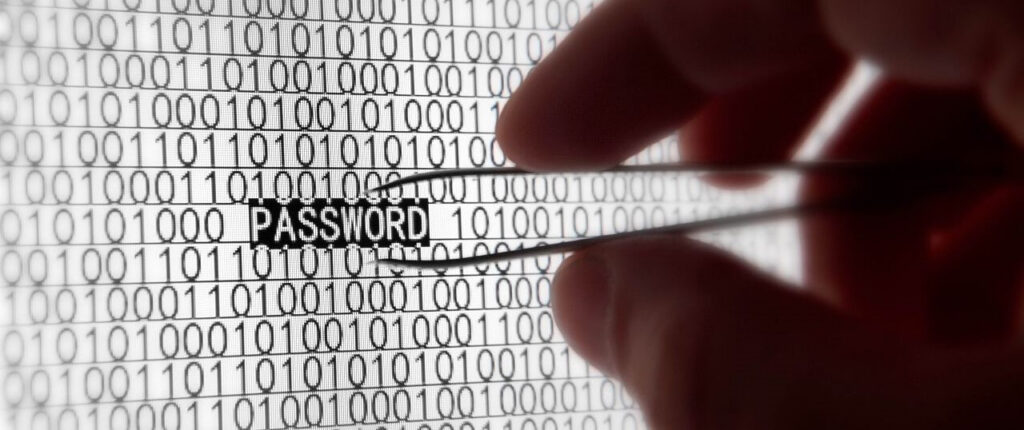
There is nothing worse than when you find out your passwords weren’t as secure as you thought it was. One minute your account is secure, the next, your Facebook account has twenty new posts asking your friends to send you money in Zimbabwe.
Obviously, most people these days know when they’re being duped, but just because none of your friends click the link, doesn’t mean that you are safe from danger. When someone hacks into your account, they have access to your profile, any account connected to your Facebook, and all of your personal information.
This means that the hacker may have accessed not just your Facebook, but your email, your Twitter, or other accounts using the same password.
Protect Yourself with Strong Passwords
To protect yourself from online attacks, ensure that you are using a different password for every account. This will ensure that if someone hacks into one account, they don’t gain access to other accounts or information.
To protect your account, make sure that the password you are using is strong enough to ward off any unwanted attacks.
The best advice for creating a password is to ensure your password is at least 8 characters long. Those 8 characters should contain at least one of each of the following:
- Capital letters
- Lowercase letters
- Number
- A unique symbol like !@#$
If you think an account has already been compromised, Goober Support can help you lock it back down and check your devices. The internet is a lot like Dungeons and Dragons. Keep yourself safe on your quest.
Tech support — computer and phone repair, remote help, security clean-ups — is handled by our sister company, Goober Support. Visit goobersupport.com to get help.
Need a hand with your tech?
Computer help, backups and remote support now live under their own name: Goober Support.